
Interactive Displays
A new way to collaborate and share

Today more than ever, technology is taking on increasingly active forms, fostering participation and interaction with content thanks to interactive displays.
Unlike passive monitors, they feature an interactive touchscreen that allows users to interact directly with content: selecting it, modifying it, and creating new content.
Share your project
Team Office works with you to design your collaborative spaces, helping you choose and install professional interactive monitors or large-format interactive displays. Based on your goals and the characteristics of your spaces, we integrate these technologies with your existing systems to create intuitive, effective, and engaging user experiences!
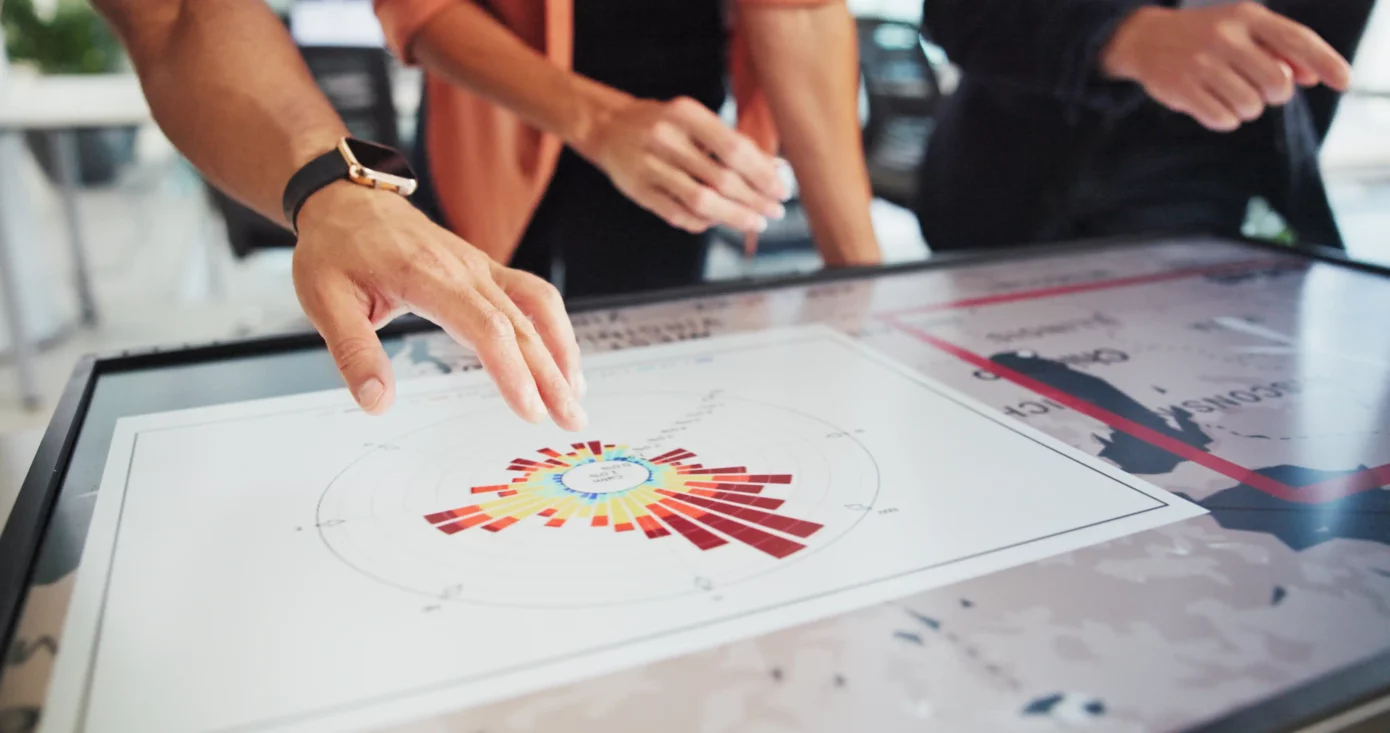
From Viewing to Interacting with Content
Interactive monitors can take on different forms and offer different functionalities depending on their context of use and the technologies they incorporate, finding applications in numerous professional, educational, and collaborative scenarios. Although they have different features, they share a common goal: to transform content consumption into a more participatory and engaging experience. In fact, they allow users to write, take notes, share ideas, access the Internet, use applications, and connect to other devices through simple, intuitive, and immediate interaction.
By integrating the right type of touchscreen, or all-in-one touchscreen solutions, with technologies, collaboration platforms, videoconferencing systems, room booking solutions, and personal devices, Team Office creates spaces that are increasingly connected, collaborative, and dynamic, placing people and content at the center of the interaction.
The Benefits of Interactive Monitors
ENGAGEMENT
They make content consumption dynamic and interactive, thanks to the ability to interact directly with the information using touch technology.
FLEXIBILITY
They integrate easily with existing technologies and adapt to different environments, contexts, and needs, offering a wide range of possible uses.
COLLABORATION
They facilitate collaboration and real-time teamwork, even when working remotely. Compared to passive monitors, they allow users to annotate, save, and share content in digital format.
A Solution Tailored to Every Situation
- Workplace Environments: Interactive whiteboards and meeting boards transform shared workspaces, supporting meetings, presentations, and brainstorming sessions. Tabletop and door-side touch panels allow users to reserve a room or access its controls.
- Schools and universities: An interactive whiteboard or an interactive wall-mounted screen makes learning more dynamic, effective, and engaging.
- Retail: Touchscreen displays enhance the shopping experience, making it more interactive and personalized.
- Museums, exhibitions, and showrooms: The use of interactive kiosks makes content consumption more intuitive and memorable.
- Control rooms and crisis rooms: Integrated into tactical tables, interactive screens can be used to display and analyze complex information, coordinate activities, and support decision-making in crisis situations.