
Videoconferencing Systems
Security, Continuity, and Control
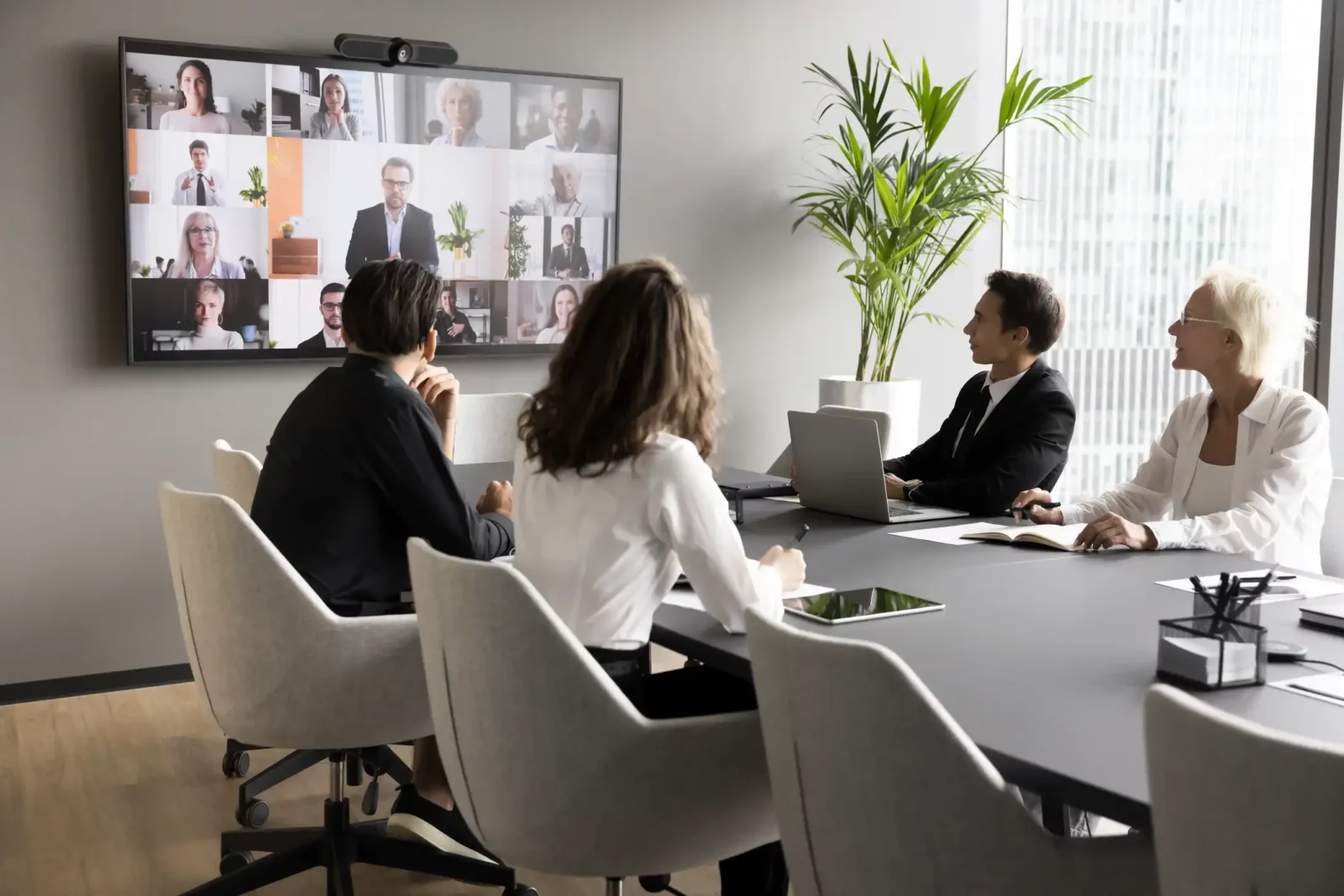
Not all communications have the same needs. The selection of videoconferencing systems and the associated infrastructure must also take into account governance and data protection requirements.
From conference rooms to huddle rooms, and even in more sensitive environments such as crisis rooms and decision-making rooms, the careful design of videoconferencing technologies for meeting rooms ensures clear and immediate access to audio, video, and content, while also guaranteeing reliability, uninterrupted communication, and more effective decision-making.
Share your project
For your most sensitive communications, in any type of sensitive environment, Team Office helps you design secure and reliable cloud-based or on-premises videoconferencing systems. After a careful analysis of the necessary configurations and company policies, we transform your environments into smart collaboration ecosystems that are integrated into your IT systems and easy to use.
Cloud or On-Premises: Which Infrastructure Should You Choose?
The choice between a cloud-based or on-premises video conferencing solution depends on your organization’s security, control, and management needs. Cloud platforms offer greater flexibility, faster deployment, and continuous updates. on-premises videoconferencing solution, on the other hand, allow you to maintain greater direct control over the infrastructure, communication flows, and integration with business systems, making them particularly suitable when there are specific requirements for governance, compliance, or network segregation.
There is therefore no one-size-fits-all model: we evaluate security requirements, business continuity, scalability, and IT policies to identify the most suitable architecture, while also considering hybrid solutions when it is necessary to combine the flexibility of the cloud with control over on-premises infrastructure.
Our Services for Videoconferencing Systems

Consulting and Design
The true starting point for an integrated AV solution isn't technology, but an idea. Share it with us: through
Audio Video Support
Delivering the systems doesn’t mean the job is done: after installation and staff training, you can count on us for
Our Focus on Secure Videoconferencing Systems
SECURITY
Design configurations that are consistent with the characteristics and criticality level of the environments. The solutions are integrated with the technologies, infrastructure, and security policies already in place at the company to ensure maximum protection of communications and shared data.
CONTROL
Ensure centralized management of in-room technology and communication and collaboration tools, integrating them, where necessary, with room booking and building automation systems.
COLLABORATION
Create environments that reduce communication and organizational barriers, promoting equal participation among those present in person and those joining remotely.
Our Partnerships for You







Some examples of videoconferencing systems
- Tabletop or ceiling-mounted microphones
- Speakers
- Professional video cameras
- Speaker tracking
- Multiple displays
- Touchscreen monitors
- Interactive whiteboards
- Room booking platforms
- Control and building automation systems